

Shooting Games Launches Innovative Mouse Sensitivity Converter Tool
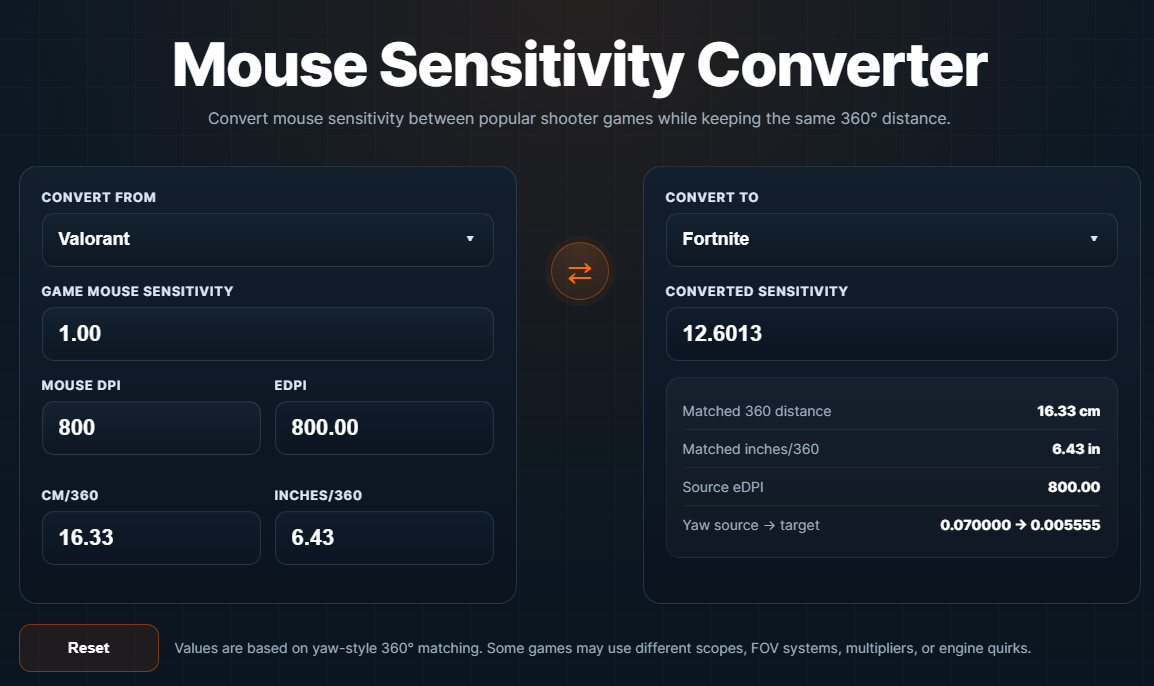
Mouse Sensitivity converter tool on Shooting Games
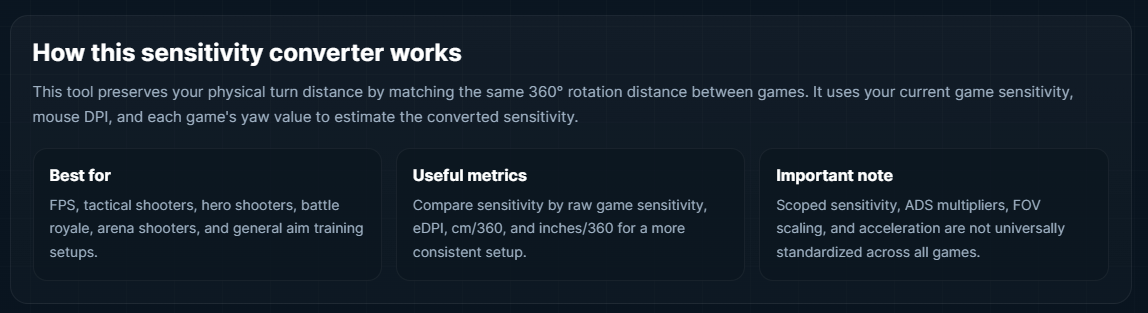
How Mouse Converter Works
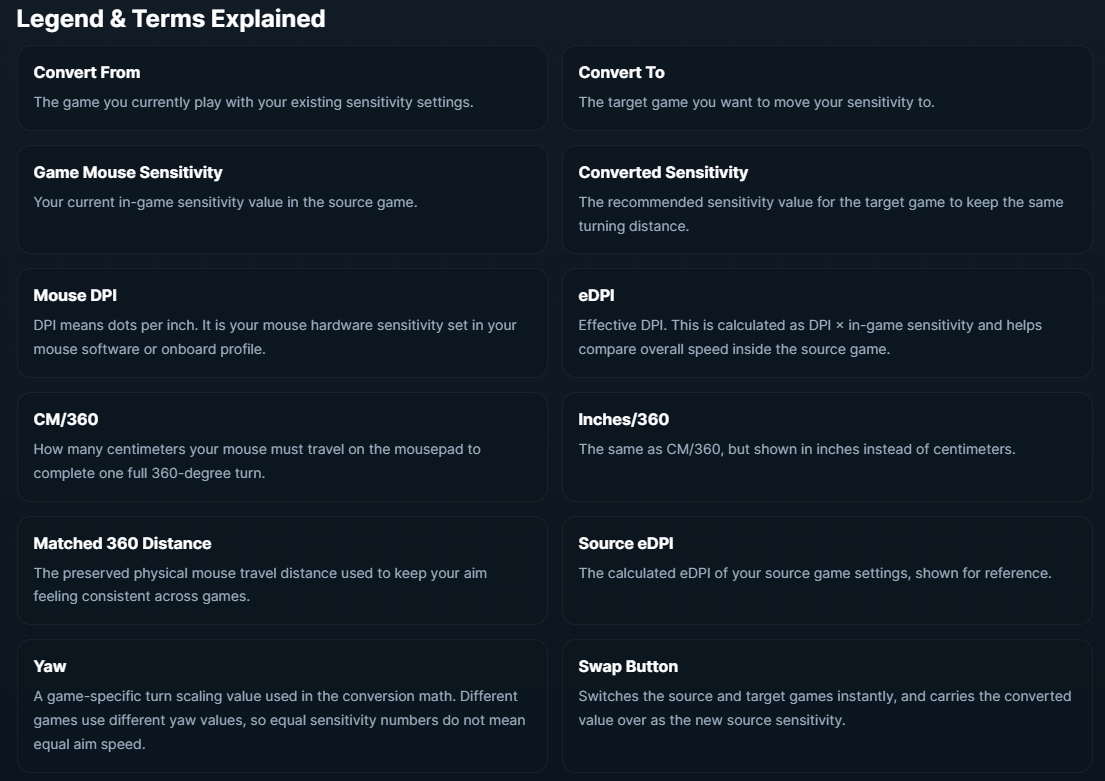
Legend for mouse converter tool
We want it to be a useful resource for players who care about improving their experience, whether that means finding new games, comparing genres, or dialing in the settings that help them play better.”
NEW YORK, NY, UNITED STATES, April 7, 2026 /EINPresswire.com/ -- Shooting-Games.uk.com, an independent online destination for shooter game reviews, rankings, guides, and player resources, has announced the launch of its new Mouse Sensitivity Converter tool. Designed for players who regularly switch between shooter titles, the new tool helps users convert their sensitivity settings between supported games while preserving the same 360-degree turning distance. Research reports that professional FPS players’ settings varied by up to 8x within a single title and up to 12x across titles, which supports the idea that players need tools to translate settings intelligently rather than copy raw numbers between games.— Nenad, developer at Shooting Games
The tool was created to solve a common issue for FPS and shooter players: moving from one game to another often means dealing with completely different sensitivity scales, even when the goal is to keep the same overall mouse feel. Instead of manually guessing new settings, players can now enter their current game sensitivity and mouse DPI, choose a source and target game, and instantly receive a converted sensitivity value.
A 2023 study found that in FPS-style tasks, measures of mouse control strongly predicted overall performance. Unlike basic calculators that only output a single converted number, the new Mouse Sensitivity Converter also gives users additional performance metrics that help explain and verify the result. Alongside the converted sensitivity, the tool displays eDPI, CM/360, Inches/360, matched 360 distance, and yaw reference values. These measurements give players a clearer picture of how their setup behaves and allow for more informed sensitivity tuning.
The new tool also includes a built-in legend section that explains each term and input field directly on the page. This makes it easier for both experienced players and newcomers to understand concepts such as DPI, eDPI, yaw, centimeters per 360, and why two identical-looking sensitivity values can feel completely different across games.
The Mouse Sensitivity Converter currently supports a wide range of popular shooter titles across multiple subgenres, including tactical shooters, battle royale games, arena shooters, hero shooters, and military FPS titles. Supported games include Valorant, CS2, CS:GO, Fortnite, Apex Legends, Overwatch 2, Call of Duty: Warzone, Rainbow Six Siege, PUBG: Battlegrounds, Destiny 2, Battlefield 2042, Team Fortress 2, Quake Champions, Halo Infinite, THE FINALS, Titanfall 2, Escape From Tarkov, DOOM Eternal, with many more to come.
Built as a responsive browser-based tool, the converter is designed to work across desktop and mobile devices. It also includes features such as instant recalculation while typing, one-click game swapping, and a streamlined interface that makes it quick to compare settings between titles. The launch of the Mouse Sensitivity Converter expands Shooting-Games.uk.com’s growing library of resources for players interested in shooter games and performance optimization. In addition to tools, the site publishes game reviews, genre rankings, buying guides, and gaming content focused on helping players discover, compare, and better understand the shooter genre.
The Mouse Sensitivity Converter is available now on both desktop and mobile devices, check it out here https://shooting-games.uk.com/tools/mouse-sensitivity-converter/.
Shooting Games UK
Shooting-Games.uk.com
email us here
Legal Disclaimer:
EIN Presswire provides this news content "as is" without warranty of any kind. We do not accept any responsibility or liability for the accuracy, content, images, videos, licenses, completeness, legality, or reliability of the information contained in this article. If you have any complaints or copyright issues related to this article, kindly contact the author above.
